
 Khyati Sharma 2026-11-11
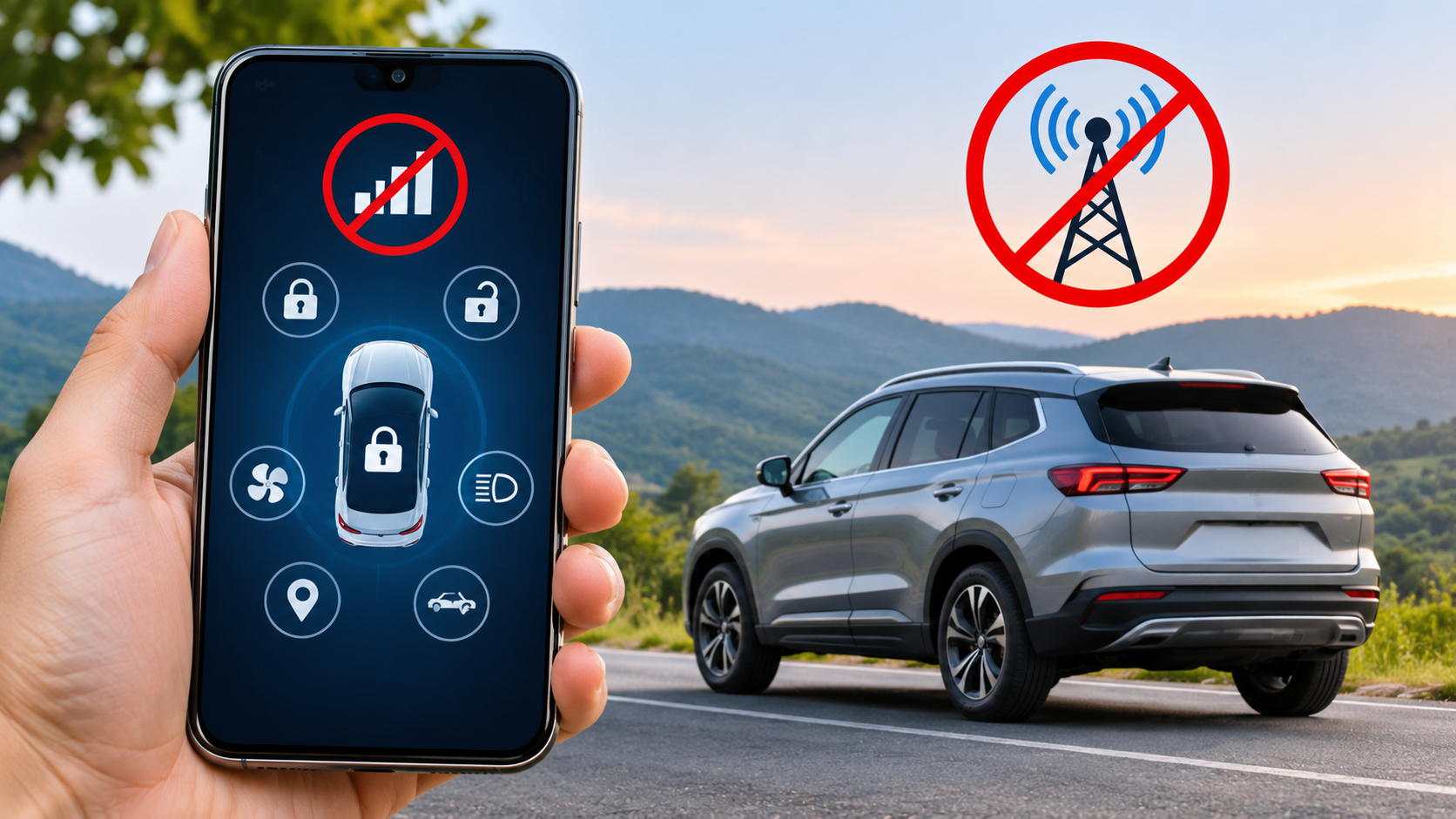
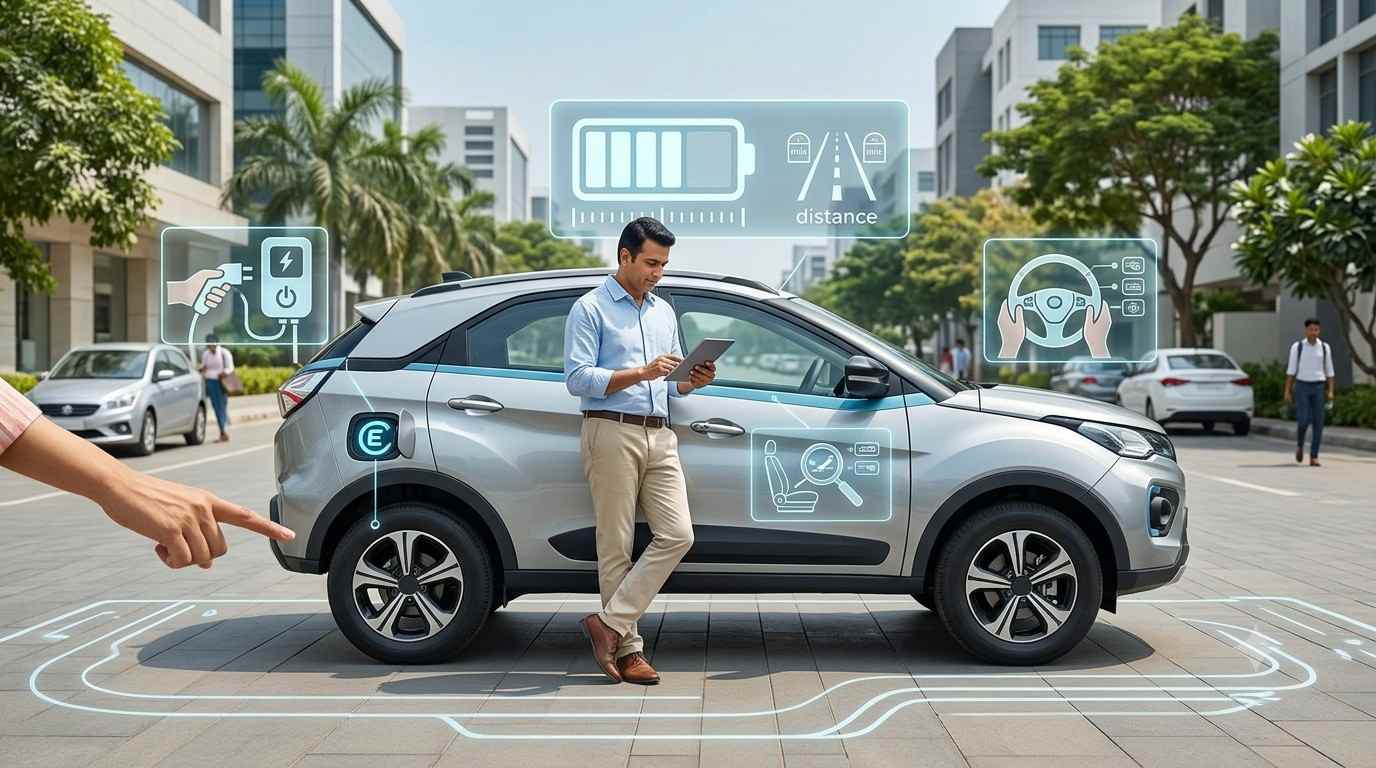
Connected-car technology has changed the way drivers interact with their vehicles. Modern cars offer smartphone applications that allow owners to check vehicle status, lock or unlock doors, track location, monitor fuel levels, control air conditioning and access several other features remotely.
However, there is a common misconception that connected-car applications continue working everywhere, even without mobile network coverage. In reality, most remote connected-car functions depend on an active communication network between the vehicle, the manufacturer's cloud server and the smartphone.
Some features may continue working without an internet connection or mobile network, but their availability depends on the technology used by the vehicle. Understanding this difference is important for car owners who rely on connected services for convenience, security and vehicle monitoring.
When a driver opens a connected-car application and requests a remote operation, the process usually involves several steps:
The owner opens the manufacturer's mobile application.
The application sends a request through the smartphone's internet connection.
The request reaches the manufacturer's cloud server.
The server communicates with the vehicle through its embedded cellular connection.
The vehicle receives the command and performs the requested operation.
The vehicle sends a response back through the network, allowing the application to display the updated status.
This communication process requires connectivity at both ends. If the smartphone has no internet access or the vehicle is parked in an area without cellular coverage, remote commands may fail.
How Many Airbags Do You Really Need? A Safety Primer
Most connected-car applications depend on cellular communication to provide remote services. Although the vehicle may have GPS hardware and an active electronic system, these components do not automatically provide internet connectivity.
Several situations can interrupt communication.
1. Remote Locking and Unlocking May Stop Working
Remote door locking and unlocking are popular connected-car features. Owners can use their smartphones to secure or unlock their vehicles without physically approaching them.
However, these commands usually require communication between the smartphone, cloud server and vehicle. If the car is parked in an underground basement, a remote location or an area with weak cellular reception, the command may not reach the vehicle.
2. Live Vehicle Tracking May Become Unavailable
Connected-car applications often allow owners to check their vehicle's location through GPS-based tracking.
GPS can determine the vehicle's geographical position without a mobile data connection. However, transmitting that position to a smartphone application generally requires a communication network.
Therefore, a vehicle may still calculate its location while the owner cannot see its latest position remotely.
3. Remote Engine Start and Climate Control May Fail
Some premium vehicles allow owners to start the engine or activate the air conditioning remotely.
These functions depend on the vehicle's communication system and manufacturer-specific safety conditions. Without the required connectivity, the application may not be able to send the command.
4. Vehicle Health Reports May Not Update
Connected-car applications can display information about fuel levels, battery condition, tyre pressure, mileage and warning notifications, depending on the vehicle's equipment.
However, this information may not appear in real time when the vehicle cannot communicate with the manufacturer's server. The application may continue showing previously received information instead of the latest vehicle status.

Not every vehicle function requires cellular connectivity. Certain technologies operate locally and can continue working even when the car or smartphone has no internet connection.
For example, Bluetooth-based digital keys can allow compatible smartphones to lock, unlock or start a vehicle without an active internet connection after the initial pairing process.
Similarly, offline navigation can work when maps have been downloaded in advance. Some infotainment functions and locally stored media can also remain available without network access.
However, these capabilities depend on the vehicle's hardware, software and manufacturer specifications.
|
Connected-Car Feature |
Without Network Coverage |
|
Remote door locking |
Usually unavailable |
|
Remote engine start |
Usually unavailable |
|
Live vehicle tracking |
Live updates unavailable |
|
Vehicle health reports |
Latest updates may not appear |
|
Geo-fencing alerts |
Remote notifications may be delayed or unavailable |
|
Bluetooth digital key |
May work without internet |
|
Offline navigation |
Works with previously downloaded maps |
|
Locally stored music |
Generally available |
|
Live traffic updates |
Unavailable |
|
Emergency notifications |
Depends on available communication systems |
One of the biggest reasons for confusion among car owners is the difference between GPS and mobile network connectivity.
GPS stands for Global Positioning System. It uses signals from satellites to help determine geographical location. A GPS receiver can generally calculate its position without an active mobile internet connection.
Mobile networks, on the other hand, allow devices to exchange information through cellular infrastructure. Connected-car applications use these networks to transfer vehicle information between the car, cloud servers and smartphones.
For example, imagine a car parked in a remote mountain area. Its GPS receiver may still calculate its location, but if the vehicle's embedded SIM cannot connect to a cellular network, the location may not be transmitted to the owner's application.
This explains why GPS-based positioning and live vehicle tracking are not exactly the same thing.
Does Coasting Downhill in Neutral Save Fuel? The Truth Behind This Driving Myth
When a connected vehicle enters an area with poor or no cellular coverage, certain connected services may become temporarily unavailable.
The vehicle's electronic systems, engine, braking system and other essential driving functions generally continue operating normally. Losing mobile network connectivity does not automatically mean the vehicle will stop working.
However, owners may experience the following limitations:
Remote commands may remain pending or fail.
Live vehicle location may stop updating.
Real-time traffic information may disappear.
Vehicle status updates may become outdated.
Cloud-based entertainment services may stop streaming.
Notifications may be delayed until connectivity returns.
Once the vehicle returns to an area with adequate network coverage, supported connected services may reconnect automatically. Some applications may require the owner to refresh the vehicle status or resend a command.

Bluetooth is an important technology in modern vehicles, but it cannot replace every function of an embedded SIM or cellular connection.
Bluetooth creates a short-range wireless connection between compatible devices. It can support features such as music streaming, hands-free calling, smartphone pairing and certain digital-key functions.
However, Bluetooth generally requires the smartphone to be within the vehicle's communication range.
For example, if a car owner is several kilometres away and wants to unlock the vehicle using a remote application, Bluetooth alone will generally not be sufficient. The system needs another communication method, such as cellular connectivity, to send the command remotely.
Some manufacturers also use NFC and ultra-wideband (UWB) technologies for digital keys. These systems can offer local access without requiring an active internet connection for every operation.
How Car Loan Interest Actually Works: EMI Basics Explained
Automobile manufacturers clearly mention network-related limitations in their connected-car documentation.
Honda Cars India explains that remote operations require internet connectivity and may not work when the vehicle is parked in an area without network access.
Kia Connect's terms and conditions also explain that service availability depends on wireless network coverage and GPS signal availability. Certain functions may be limited in remote or enclosed locations.
Similarly, Google explains that offline navigation is possible when compatible maps have been downloaded beforehand, but real-time traffic information is unavailable without an internet connection.
These examples demonstrate that connected-car technology is useful, but it does not guarantee uninterrupted access to every feature everywhere.
Car owners can take a few precautions to avoid unnecessary problems with connected services.
Check Network Coverage: Before depending on remote vehicle operations, make sure the vehicle is parked in an area with reliable cellular reception.
Download Offline Maps: If the infotainment system supports offline navigation, download the required maps before travelling through remote locations.
Understand Digital-Key Technology: Check whether the vehicle supports Bluetooth, NFC or UWB-based digital keys that can operate without an internet connection.
Keep the Application Updated: Install supported application updates to maintain compatibility and improve performance.
Check Subscription Validity: Some connected services require an active subscription or data plan. Make sure the required services are enabled.
Do Not Depend Only on Remote Features: Always carry the physical key or an approved backup access method, where applicable.
Connected-car applications offer significant convenience by allowing owners to monitor and control different vehicle functions through their smartphones. However, the belief that these applications work everywhere without mobile network coverage is incorrect.
Most remote functions, including live tracking, remote locking, engine start and vehicle health updates, depend on communication between the smartphone, cloud server and vehicle.
Some features, such as offline navigation, locally stored media and compatible Bluetooth-based digital keys, can continue working without internet access.